

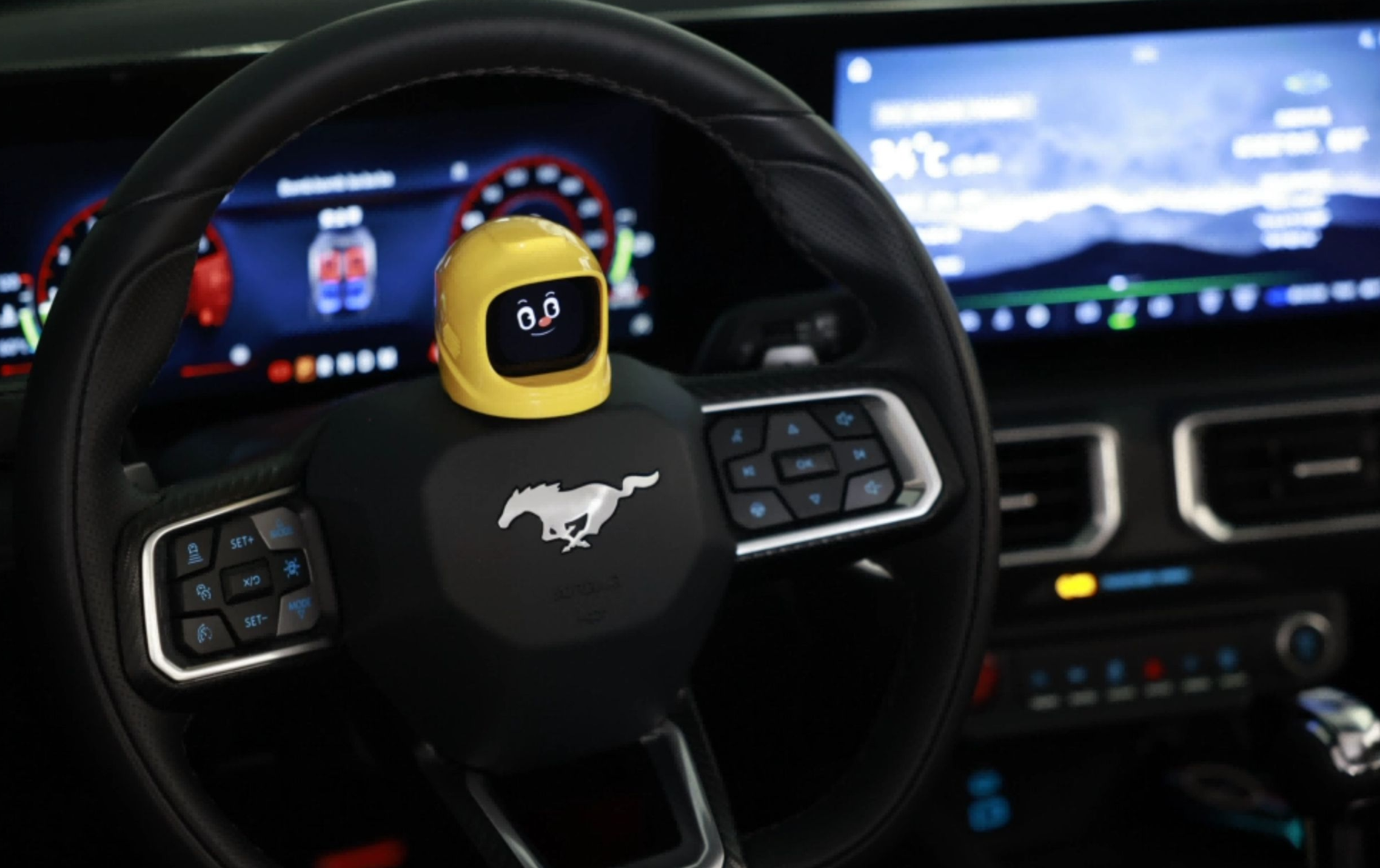
Adorable and entertaining. This smart cart mangogo robot is very well made and is very sturdy also. The smart car case is thick and brightly colored and the robot itself is extremely entertaining. I love the reactions and faces he makes and the funny sounds. It charges fast and hold the charge for a long time. I got the yellow smart car and I want to order the other colors too. You can take out of the smart car case and it stands by itself because of the magnetic base. It also comes in a great box. This Mangogo makes a great gift if you don't want to keep it but I doubt that anyone wouldn't want to keep it for themselves.
This is a fun little gadget to have on the dashboard. It’s entertaining to watch and adds some personality to the interior of the vehicle. The design is cute, and it makes a nice conversation piece. Definitely a fun purchase if you’re looking for something different for your car.Situation where it gets stuck, uploading and downloading the new face, you need to go into your settings and make sure your phone is staying on and not turn off. If your phone turns off or you go to another screen, it will not work. The device will stay in uploading progress. You’ll think it’s broken but it isn’t. Just be patient and wait 10 minutes or so to upload.
I had seen these around on instagram but didn't know exactly what they were so I decided to get one and see for myself. The concept is kind of silly, but the execution is great. You basically just have a new little sidekick in your car that reacts to the way you drive with a built in gyro. He or she has their own facial expressions and voice, and is always just making silly sounds or faces as you drive and its pretty much all for entertainment purposes. The build quality is actually really nice and the software can be updated and changed with bluetooth connection to your phone, so if you get tired of one personality, you can swap for a new one. Definitely a cool gift for the car guy or girl in your life.


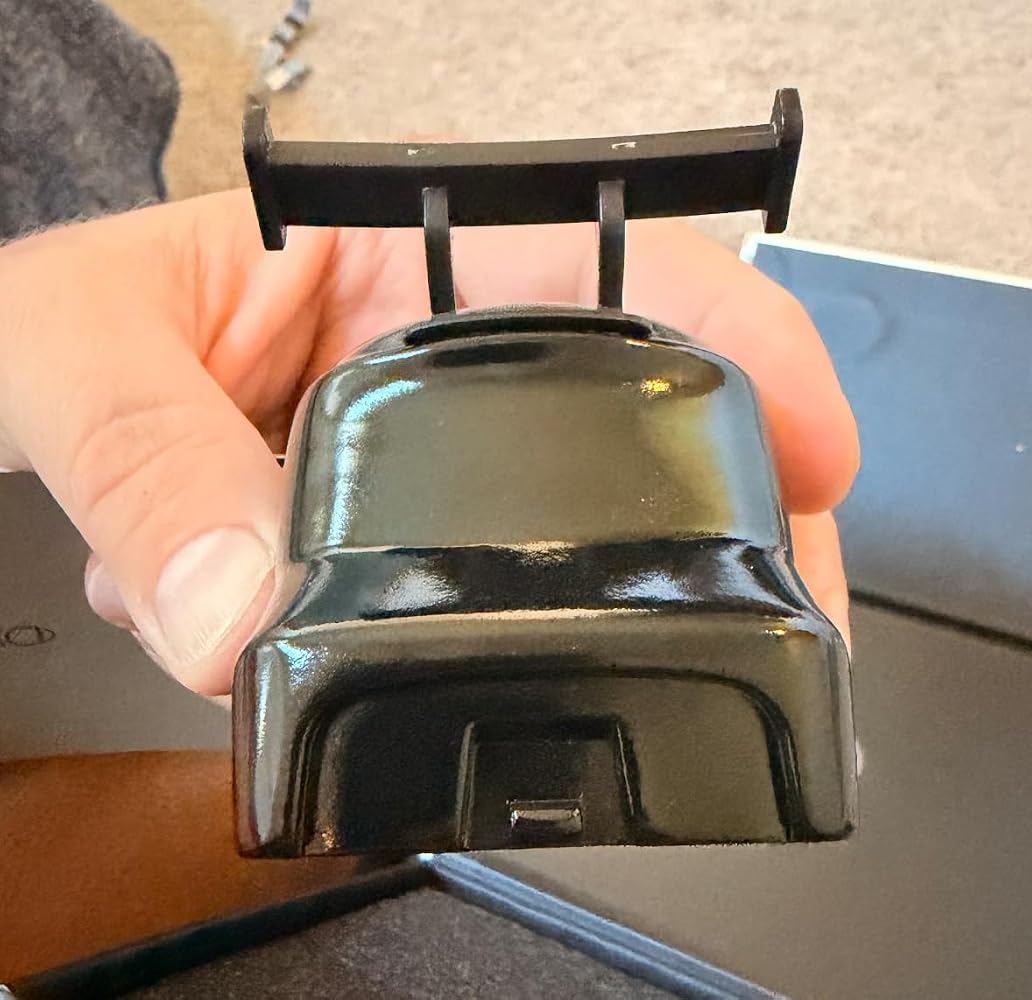
Lots of fun